Before
Show the blank wall or the current surface so the preview is grounded in the real room.
 Wall Print Pro
Open virtual demo
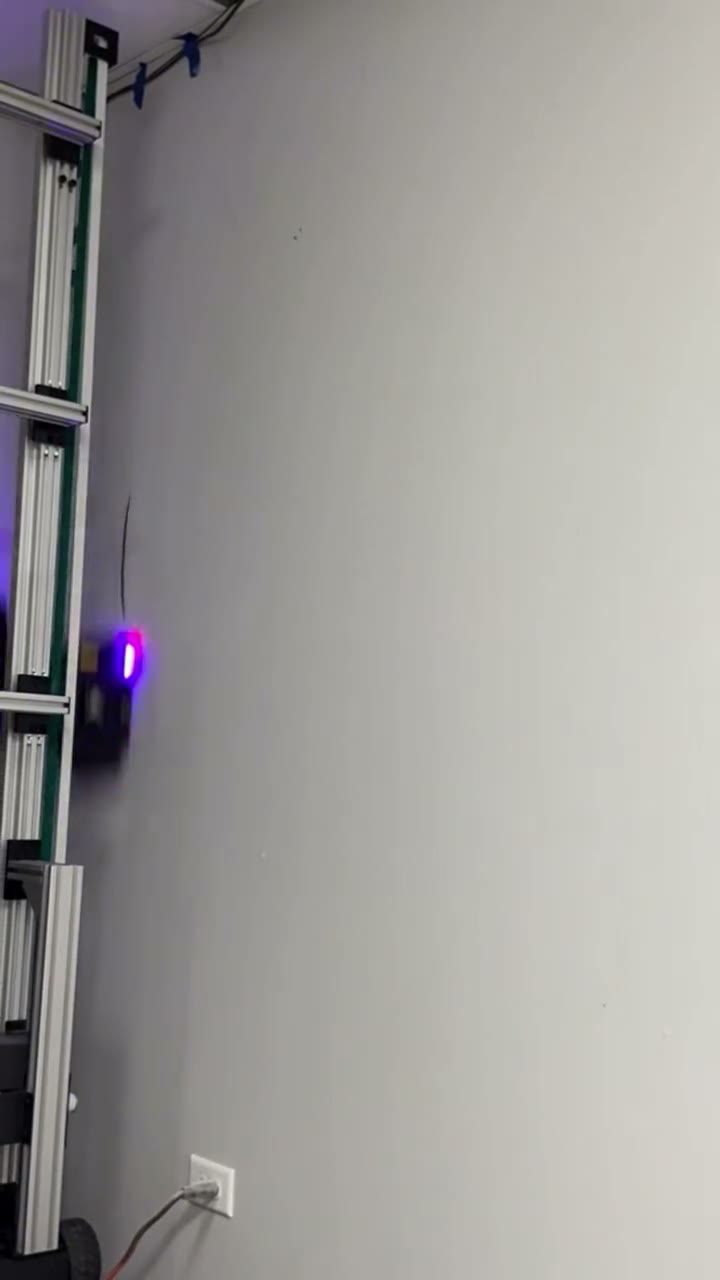
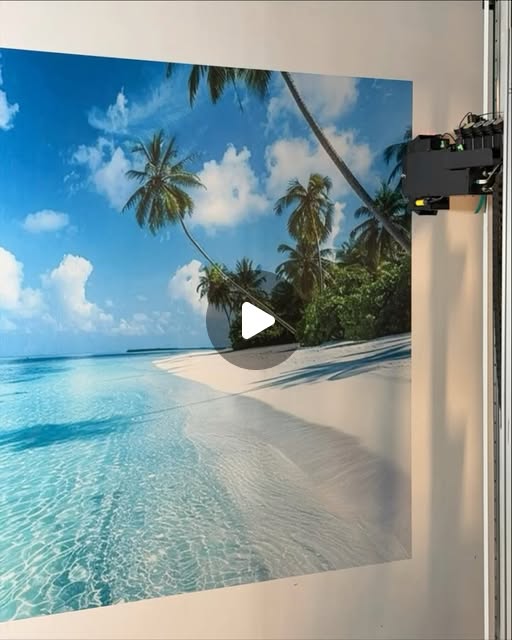
Open the demo flow, then choose artwork, upload a logo, or describe an idea to generate a preview.
Show the blank wall or the current surface so the preview is grounded in the real room.
Keep the install videos close to the CTA so buyers understand this is a physical service, not only a mockup tool.
Use job-site after photos as proof, then let the buyer preview their own wall before the estimate.
The original homepage functionality stays intact, but it moves behind one stronger CTA.
The work video stays a first-class proof point.
Buyers can see the job size and surface before they request.
The landing page still shows all three clips from the original page.